
YOUR PHOTO. CENTER STAGE.

Tiny Desk AI Video Generator

Tiny Desk AI turns one photo into an original desk-side concert. Choose a soul, acoustic or pet scene, then make the room, movement and sound your own.

  • 1 reference photo
  • 5 or 10 seconds
  • 720p MP4
  • Optional AI audio
Create my concertExplore concert styles

Explore prompts for free. An account and credits are required to generate.

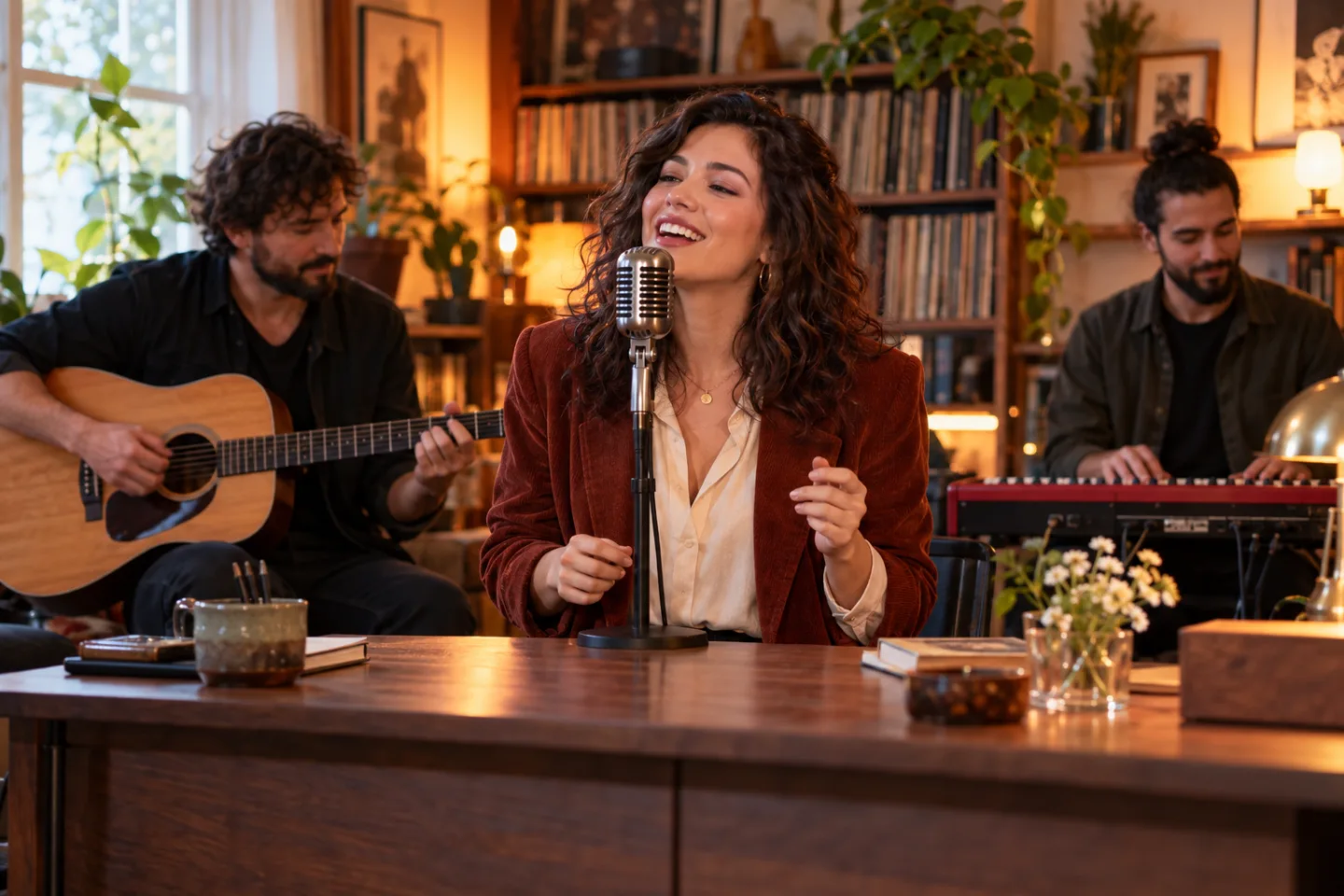
Concept artwork of a singer at a microphone in a warm, book-lined room with a small backing band
AI concept artwork · Your generated video will vary

Create your Tiny Desk AI video

Add one photo, pick a direction, and make the scene your own. You can edit the prompt before generating.

Choose your concert style
Seedance 2.0 Mini720p
01The lead performer

JPG, PNG or WebP · up to 10 MBUse a clear photo of yourself, a consenting adult, or your pet. Keep the face visible and choose a matching concert style below.

Duration
Frame
Advanced · scene direction

Describe the room, the music mood, and one simple performance gesture. Your photo is the visual reference.

Checking availability…

How to make a Tiny Desk AI video

  1. 01

    Upload your performer

    Choose one sharp, well-lit photo. A clear face and visible shoulders work best for people; show your pet without obstructions.

  2. 02

    Set the scene

    Choose a style and edit the prompt. Select 5 or 10 seconds, check the credit cost, and turn on generated audio if you want it.

  3. 03

    Preview and download

    Watch the finished take before sharing. Download the MP4 and add your own music or captions in an editor if needed.

Tiny Desk AI templates & prompts

Three editable starting points for an original concert. Use a style in the creator or copy its full prompt to adapt it yourself.

01

Soul session

Warm lamps, record shelves, a keyboard, and a joyful moment at the microphone.

Read the prompt

Use the uploaded photo as the visual reference for one adult lead performer. Create an original intimate desk-side soul concert in a cozy room with books, records, a small wooden desk, a keyboard player and a guitarist behind the lead. Preserve recognizable facial features as closely as possible. The lead wears tasteful casual stage clothing, leans toward a vintage microphone, smiles, and makes one small rhythmic hand gesture. Warm amber lamps and soft daylight, natural skin texture, stable medium close-up, subtle camera push-in. Keep the face clear, supporting musicians secondary, and instruments physically believable. No text, logos, celebrity likeness, or recreation of an existing performance.

02

Acoustic afternoon

Soft window light, a small wooden desk, and a relaxed, close-up performance.

Read the prompt

Use the uploaded photo as the visual reference for one adult lead performer in an original acoustic desk concert. Preserve recognizable facial features as closely as possible. Arrange a small wooden desk, books and plants beside a sunlit window, with an acoustic guitarist softly out of focus behind the lead. The lead turns slightly toward a simple microphone, smiles and gently sways once. Natural clothing, realistic face and hands, soft daylight, stable chest-up framing, minimal camera movement. Keep the mood intimate and relaxed. No text, logos, celebrity likeness, or recreation of an existing performance.

03

Pet frontman

Your cat or dog steals the spotlight in a playful miniature concert room.

Read the prompt

Use the uploaded pet photo as the visual reference for a playful fictional cat or dog fronting a tiny desk concert. Preserve the animal's fur markings, face and proportions as closely as possible. Place the pet behind a miniature wooden desk with books, a small microphone and tiny musical instruments in a cozy room. The pet gives a curious head tilt and a small rhythmic paw movement while a softly blurred toy-like backing band sets the scene. Warm light, clear eyes, natural fur texture, stable eye-level close-up. Keep the animal cute and comfortable, with no human teeth, extra limbs, readable text or logos.

Build a clearer prompt: one performer + a desk setting + one simple gesture + steady framing. Change the light or mood first; keep complicated camera cuts and multiple actions for separate clips.

Tiny Desk AI photo guide

Start with a clear reference. Upload one JPG, PNG or WebP up to 10 MB; choose yourself, a consenting adult or your pet.

Choose a photo like this

  • One face is in focus, looking toward the camera, with eyes clearly visible.
  • Soft, even light shows facial features without deep shadows or blown highlights.
  • The head and shoulders fit comfortably in the frame, with space around the face.

Choose another photo if…

  • Several people compete for attention or the face is very small in the image.
  • Sunglasses, a hand, a microphone or a deep side angle hide important features.
  • Heavy filters, motion blur or a tight crop remove detail the model needs.

For cats and dogs: keep the eyes, ears and distinctive fur markings visible, then choose Pet frontman. A simple head tilt is a better starting direction than complex instrument playing.

Tiny Desk AI music, audio & video format

Choose the sound and framing for where your concert will go. The creator starts at 5 seconds, 720p, vertical 9:16, with audio off.

Silent clip + your music

Leave audio off to add a track later. Download the MP4, then use music you have permission to publish in your editor or a social platform’s music library.

AI-generated audio

Turn audio on for model-generated sound. Describe a musical mood in the prompt. A particular song, voice, lyrics or exact lip-sync cannot be promised.

Portrait or widescreen

Choose 9:16 for TikTok, Reels and Shorts, or 16:9 for a wider band scene. Both support 5 or 10 seconds at 720p. Check the displayed credit cost after changing settings.

Make the next take better

The face looks different. What can I change?

Try a sharper, front-facing reference and a steady medium close-up. Keep the face unobstructed in the prompt. Likeness still varies; changing the prompt does not guarantee an exact match.

The hands or instruments look awkward. What helps?

Simplify the action to a smile, gentle sway or head tilt. Keep the backing band secondary and avoid fast cuts or close-ups of intricate fingering. Review hands and instruments before sharing.

I want the “Outstanding” soundtrack. Is it included?

The original recording and concert footage are not included. Make a silent clip and add music you are allowed to use afterward. Enabling AI audio does not recreate the original song.

What is the Tiny Desk AI trend?

Tiny Desk AI videos put an unexpected lead performer into an intimate office-style concert: a microphone, shelves of books and records, and a band squeezed around a desk. The appeal is seeing a familiar face in a completely different role.

The “Outstanding Tiny Desk AI” name refers to Charlie Wilson's Tiny Desk performance of The Gap Band's “Outstanding.” This tool creates a new scene from your photo and prompt. It does not supply that concert recording, the original footage, or an exact face-swap template.

See the original performance on Charlie Wilson’s official site ↗

Tiny Desk AI questions

Can I use my own photo or a pet photo?

Yes. Add one clear photo of yourself, a consenting adult, or your pet. Choose the Pet frontman style for animals. One photo guides the main performer; supporting musicians are generated rather than assigned from separate portraits.

Does the video include the song “Outstanding”?

No. The original song and concert recording are not included. You can enable model-generated audio in the creator, but a particular song, voice, lyrics or precise lip-sync are not guaranteed. Add music you have permission to use in an editor or a social platform’s music library.

How long is the video, and what format do I get?

This template supports 5- or 10-second videos at 720p. It starts in vertical 9:16 format for short-form posts, and you can also choose 16:9. The finished video can be downloaded as an MP4.

Is the Tiny Desk AI generator free?

Browsing styles and editing prompts are free. Generating a video requires an account and enough credits. The creator shows the current cost for your chosen settings before you submit.

Will the performer look exactly like my photo?

The model uses your photo as a visual reference. A sharp, front-facing image with even lighting helps, but facial likeness, hands, instruments and movements can vary. Preview the result before sharing.

Can I edit or approve the result before posting?

You can edit the prompt before generation and preview the finished video before downloading. This page does not publish automatically or provide a timeline editor. Download the MP4 to change scenes, captions or music in another editor.

Is this an official NPR Tiny Desk tool?

No. This is an independent AI template and is not affiliated with or endorsed by NPR, Tiny Desk Concerts, Charlie Wilson or The Gap Band. The page illustration is concept artwork, not a tested output of this video template.

Put your photo behind the mic.

Choose a scene, add your performer, and make a short concert of your own.

Create my concert