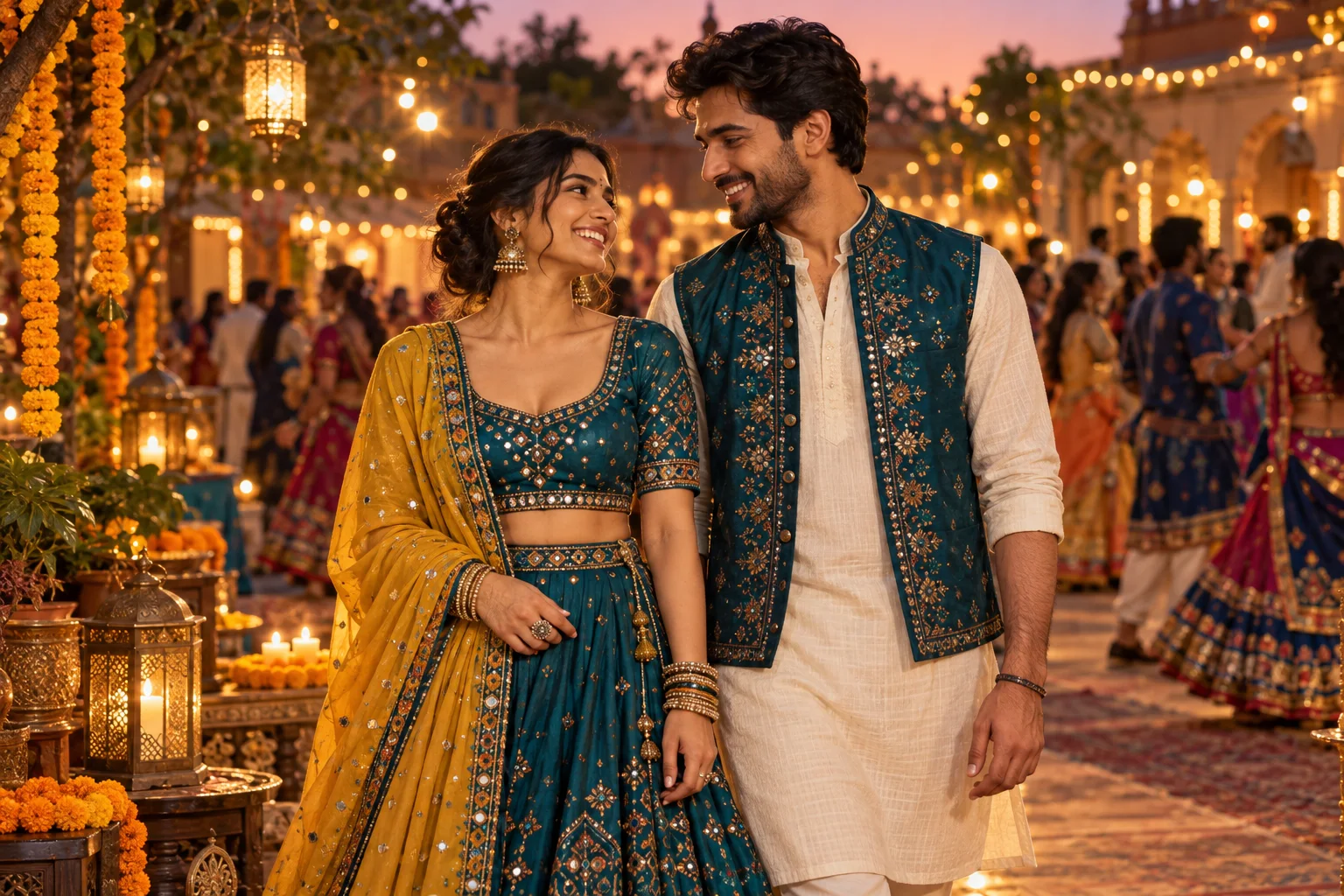
How do I use a Navratri prompt for Gemini girl or boy photos?
Choose Women or Men for an adult solo portrait, then filter by Portrait, Garba or Dandiya. Copy a prompt into an image-capable Gemini or ChatGPT conversation and upload your reference photo. Adjust the outfit, setting and pose. Image editing and upload limits depend on your account, age, region and provider.
Are these Navratri photo prompts free?
Yes. You can read and copy this original collection without paying or creating an account here. Gemini and ChatGPT set their own image-generation access, usage limits and paid plans. Generating images in our image workspace uses the credits shown there.
Will a Navratri AI photo editing prompt keep my face unchanged?
No prompt can guarantee an exact face match. Use a clear, well-lit reference, identify the person it represents, and ask for recognizable features, natural skin texture and no face reshaping. Review the output before sharing and request targeted edits if details drift.
Can I use these prompts without uploading a photo?
Yes. Remove the reference-photo sentences and describe a fictional adult subject instead. Add the age range, hairstyle, outfit, pose and setting you want. The result will be an imagined person rather than an edit of your own portrait.
How do I use a Navratri prompt for Gemini couple photos?
If your image tool supports multiple uploads, label Photo 1 as the first adult and Photo 2 as the second adult, then describe their positions and clothing. A shared portrait can also serve as one reference for both people. Use images you have permission to edit and check the tool’s current upload limits.
Which colors should I put in a Navratri look prompt?
Choose colors that suit your outfit, family tradition or event. This collection uses example combinations, not an official nine-day color schedule. Replace them with your preferred palette, and describe the fabric, embroidery and jewelry separately so the image tool has clear instructions.