
Your cat. Their big moment.

Clapping Cat AI Video Generator

Upload a photo of your cat. Give it a cheeky grin, tiny human hands, and a slow round of applause. The template is ready — just bring your cat.

Upload your cat photoExplore the looks
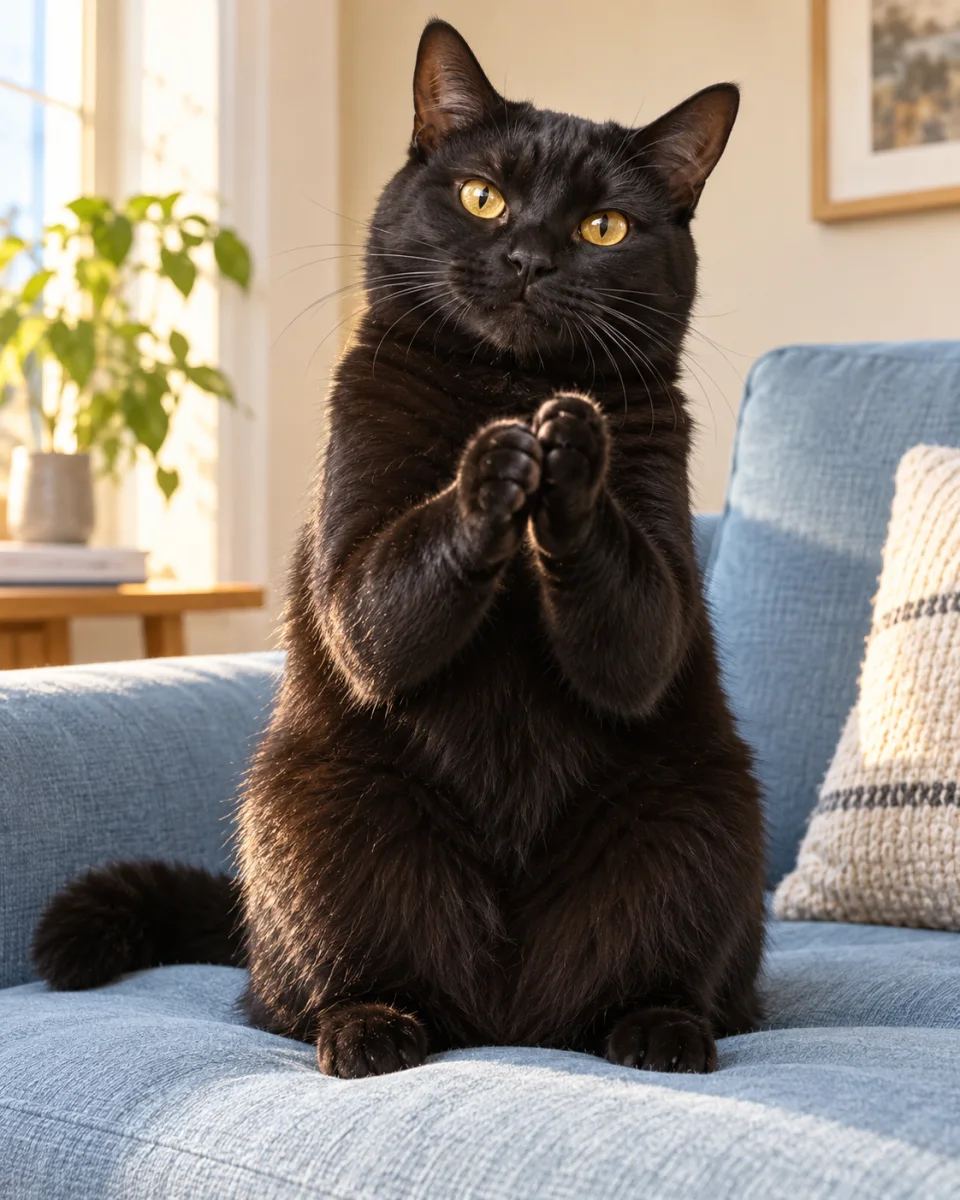
Original AI concept of a black cat holding its front paws together on a blue sofa
AI concept image · your video starts below

One cat photo. One little round of applause.

Upload a clear photo with your cat’s face and body visible. Choose 5 or 10 seconds, review the credits, and generate. Your prompt is already filled in.

Seedance 2.0 Mini720p
01Your cat’s photo

One cat · face and full body visible · JPG, PNG or WebP · up to 10 MBChoose a photo you have permission to use. Selecting it previews it on this device; it is uploaded when you generate.

Duration
Frame
Advanced · scene direction

The clapping action is prepared for you. You can adjust the expression, setting, or movement here.

Checking availability…

This template uses Seedance 2.0 Mini at 720p. Check the displayed credit cost before generating. Appearance and motion may vary. See pricing

Same cat. A different kind of applause.

The classic meme uses a cheeky grin and tiny human hands. Pick a softer paw-clap or a green backdrop if that suits your reel better. Your uploaded photo stays in place.

01

The classic slow clap

An upright cat, a human-like grin, and little hands giving a sarcastic round of applause.

Read the prompt

Use the uploaded cat photo as the identity reference. Keep the same fur color, markings, face shape, and recognizable cat throughout. Vertical reaction video, fixed medium full-body framing. The cat sits upright on its hind legs in the room from the photo. It gives a cheeky, exaggerated human-like grin with visible teeth and has two small human-like hands at the ends of its front legs. Immediately perform two clear slow claps: hands separate, palms meet, hands separate again. Keep both hands fully visible. End with a smug look at the camera. Natural daylight, realistic fur, simple background, one continuous short shot. Keep the body coherent, exactly two front arms, no extra limbs or fingers, no text or logos.

02

Tiny paws, big approval

A cheerful little celebration with a soft, playful look.

Read the prompt

Use the uploaded cat photo as the identity reference, preserving its fur color, markings and face. A short vertical reaction video of the same cat sitting upright in a cozy room. Its two front paws immediately meet in a clap, separate, then clap once more. It gives a happy squint and a small ear twitch, then holds its paws together. Soft natural light, realistic fur, fixed medium shot with face and both paws clearly visible. Keep natural cat paws and a natural cat mouth. One continuous short action, no cuts, no extra limbs, no text or logos.

03

Your reaction, any scene

A simple green backdrop for a reaction clip you can key in an editor.

Read the prompt

Use the uploaded cat photo as the identity reference, preserving fur color, markings and face. One cat seated upright, centered against an evenly lit solid bright green background. The cat has a cheeky human-like grin and two small human-like hands at the ends of its front legs. It immediately performs two slow, clear claps, then pauses and looks at the camera. Keep the whole body and both hands visible. Locked medium full-body shot, consistent lighting and anatomy, no shadows on the background, no camera movement, no additional animals, no text or logos. Short readable action suitable for later chroma-key editing.

From cat photo to clapping video

  1. 01

    Choose your cat

    Upload one JPG, PNG, or WebP photo, up to 10 MB. Choose a single cat, facing the camera, with its body and front legs visible. Use a photo you have permission to use.

  2. 02

    Choose your clap

    Keep the classic slow-clap look or try another preset. The prompt is prepared for you and can be edited under Advanced. Choose a 5- or 10-second clip.

  3. 03

    Generate, check, share

    Review the credit estimate, then generate. Check the paws and motion before downloading. Add your caption or sound in your editor before posting.

What is the Cat Clapping meme?

The black cat clapping meme is a reaction format: a cat gives a slow round of applause, often to express sarcastic approval. Familiar versions use human-like hands and an exaggerated expression.

Use that short, readable gesture as a starting point for your own scene. A single cat, a clear expression, and an immediate clap work well even without a long setup. These prompts create new AI clips; they do not reproduce the original meme frame for frame.

Read the meme background on Know Your Meme ↗

Cat Clapping FAQ

How do I make a cat clapping video?

Upload one clear cat photo in the generator on this page. The slow-clap prompt is already filled in. Choose your duration, check the credit estimate, sign in if needed, and generate. Review the finished clip before downloading.

Can I use a photo of my own cat?

Yes — this template requires a cat photo. Use one cat with its face, body, and front legs clearly visible. Avoid tight crops and clutter. The model uses your photo as a reference, but exact likeness and motion are not guaranteed.

Does it have to be a black cat?

No. Black Cat Clapping is the familiar meme, but your photo can show an orange tabby, a white cat, or another cat. The template asks the model to preserve the cat’s fur and markings from your upload.

Why do the paws or clapping motion look wrong?

Clapping hands and repeated contact can be difficult for video models. Start with two claps and a fixed camera, using a photo with the front legs visible. Try the softer paw-clap look if you prefer natural cat paws. Results may need another attempt.

Can I make a GIF or a transparent reaction sticker?

This tool generates video. Convert your downloaded clip to a GIF in a separate editor. The green-background prompt produces a colored background, not transparency; remove it with chroma key in your editor if the result is suitable.

Is Cat Clapping generation free?

Video generation uses credits. The amount depends on duration and audio settings, and is shown before you generate. See Pricing for current subscriptions and credit packs. Browsing and editing these prompts is free.

Can I post my clip on TikTok, Reels, or Shorts?

Yes, you can download a completed clip and prepare it for your channel. Choose a vertical format where available. Use only photos, music, and other assets you have permission to use, and follow the model terms and platform rules, including AI labeling where required.

Give your next reel a round of applause.

One cat. One clear reaction. Your own punchline.

Start creating