
1
Choose a clear photo
Start with a well-lit face or character. A waist-up image leaves room for expressive hands and shoulders.
Bring your photo to the party. Choose your leading role and direct a new scene.
Choose a host or a character, then make the scene yours.
Best starting point: a clear portrait or waist-up photo.
Shape the hook. Plan the scenes. Generate the reel.
Start with a 5-second, 16:9 clip. Edit the prompt and settings below; the studio shows the credit cost before generation.
Original song not included. Add music you have permission to use when editing or posting.
View plans and creditsReference clips from burning-bridges.com, shown for visual inspiration. These are not demonstrations of results generated by this page.
The party host
Her moment in the room
Warm lights, lively crowd
An unexpected guest
A four-legged host
Another take on the scene
One photo, a direction, and room for your own ideas.
1
Start with a well-lit face or character. A waist-up image leaves room for expressive hands and shoulders.
2
Pick a direction, edit the prompt and optionally add your own reference video for motion.
3
Check the credit cost, generate your clip and review it before downloading. Add your chosen music in an editor.
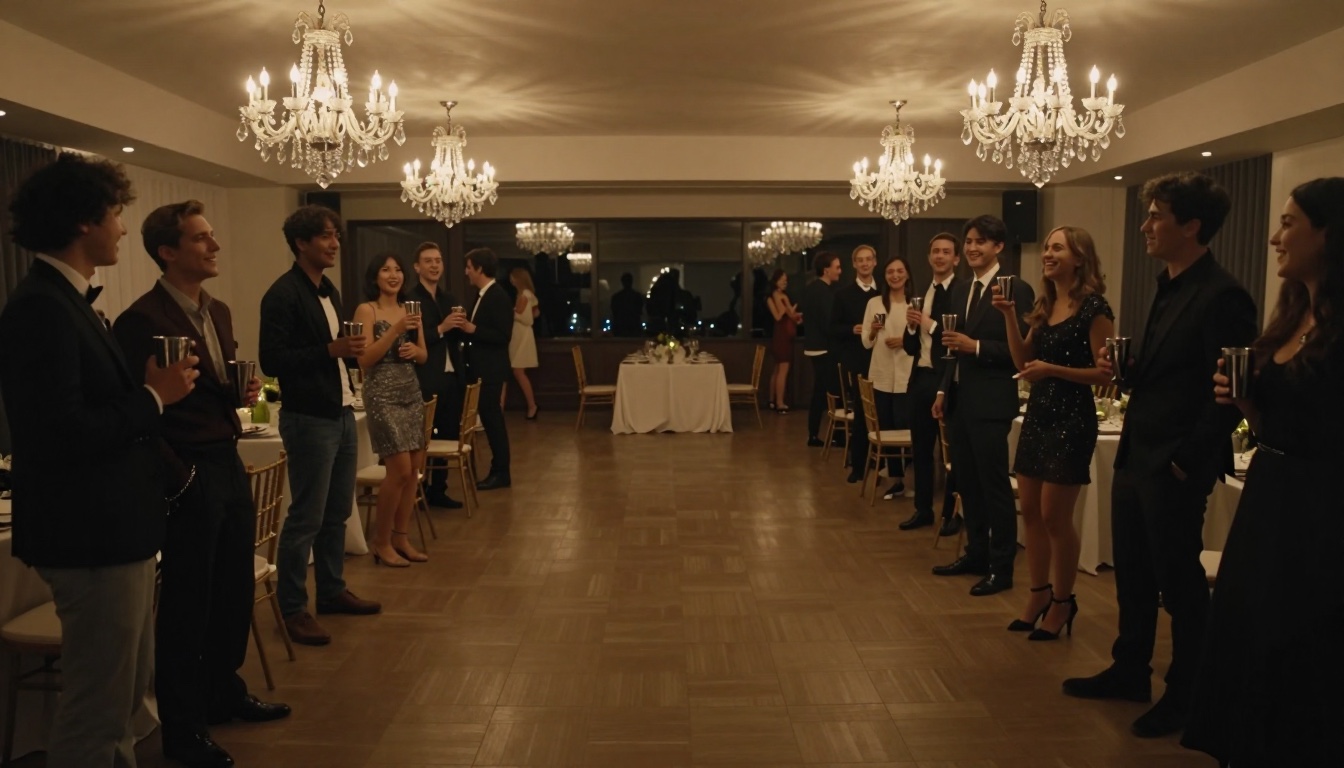
The visual idea is instantly recognizable: a warm party room, chandeliers overhead, a crowd around the host and a relaxed moment in front of the camera. The fun is imagining someone new at the center.
Here, your photo and description guide a fresh AI scene. Keep the lighting and party atmosphere, then make the host, outfit and camera movement your own.
A new AI party-scene clip inspired by the Burning Bridges look, using your photo and an editable prompt.
No. Start with a photo and prompt. A reference video is optional when you want to guide the motion.
They are prompt presets in the same studio. You can edit either prompt and choose any compatible model and settings available there.
It creates a new video. Exact choreography, background details, face consistency and lip sync are not guaranteed.
No. The preset starts with audio off. Add music you are allowed to use when editing or publishing.
You can try the character prompt with a clear image of your own pet or character. Results depend on the image, model and motion you describe.
The starting preset is five seconds. Change the duration in the studio to one supported by your selected model.
The studio calculates the credit estimate from your model and settings. Check it before starting, and view the pricing page for account plans.
No. The labeled reference clips come from burning-bridges.com and illustrate the visual trend. Your generated result will vary.
This is an independent creator page, without affiliation to the original video, artists or music rights holders.
Bring a photo. Give the party your own story.