
Photo to freestyle
Bulin 47 AI. Your freestyle.
Turn your photo into a street-performance clip inspired by the viral freestyle trend.
Create my freestyle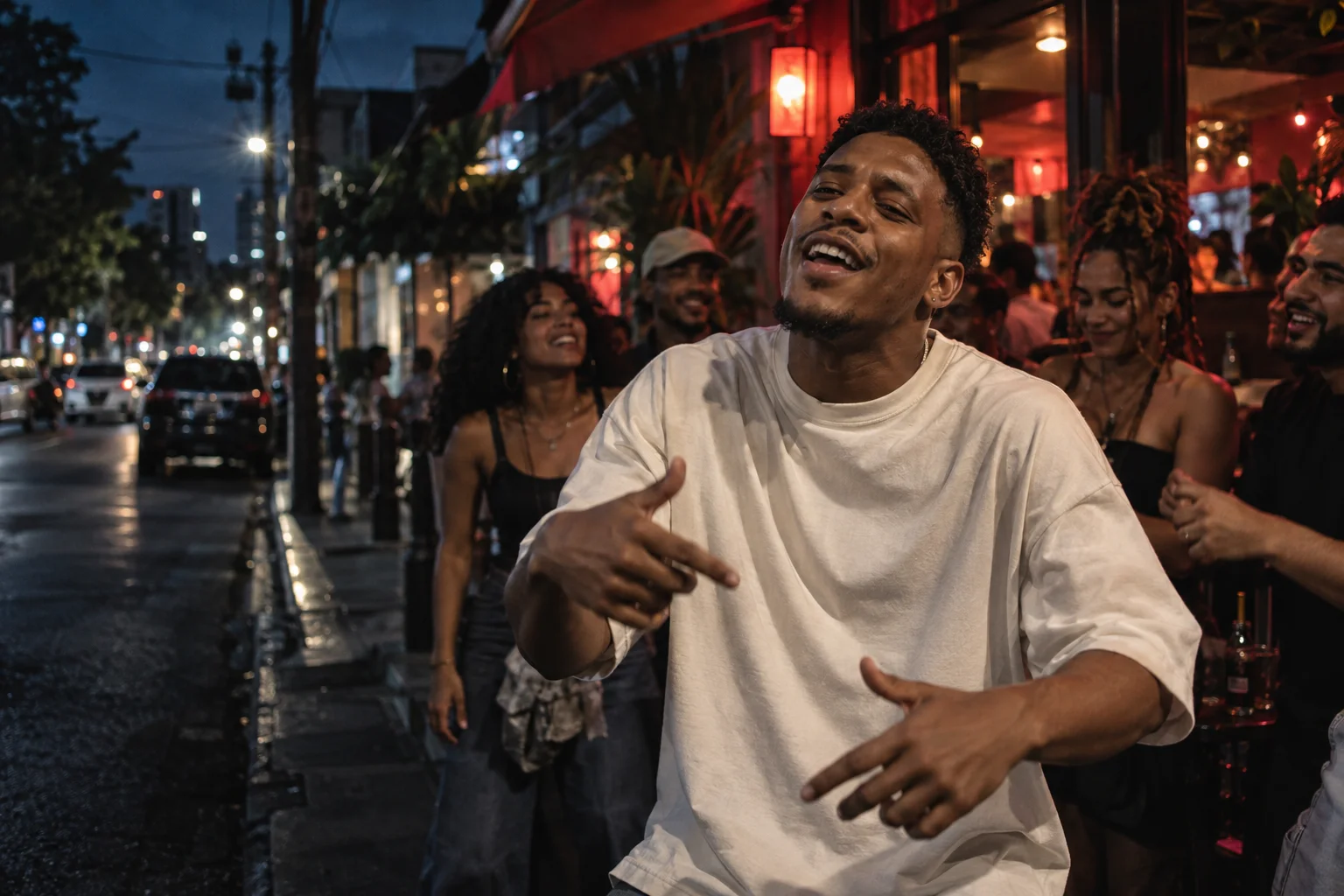
Make the scene yours
Upload a photo, choose a direction, then edit the prompt. Add your own reference video for optional motion guidance.
Creative direction
Choose a prompt to start. Switching directions keeps your uploads and settings.
Current prompt: Street freestyle
Shape the hook. Plan the scenes. Generate the reel.
This creates a new clip. Exact original choreography, face consistency and lip sync are not guaranteed. The original song is not included.
Sign in to upload and generate. Review the live credit cost for your chosen settings before starting. View plans
What is the Bulin 47 AI trend?
The “Dame hombro” trend grew from a street freestyle by Kevin Wai and Bulin 47. AI edits reimagine the performer in that energetic scene.
This is an independent creator on FacelessReels, not an official artist tool or an exact replacement of the original video. Use your photo and a new prompt to create your own interpretation.
Read about the original freestyleFrom photo to short clip
Choose a clear photo
Use a well-lit photo with one visible face. Upload only images you own or have permission to use.
Set the performance
Try a direction, describe gestures and camera movement, or add a reference video you are allowed to use.
Generate and review
Check settings and credit cost, then generate. Review faces and movement before downloading or sharing.
Before you generate
Can I replace the performer in the exact original clip?
This tool generates a new video from a photo and prompt. An optional reference video can guide motion, but it does not guarantee an exact recast of the original clip.
Do I need a reference video?
No. A photo and prompt are enough to start. You can optionally upload your own permitted reference video through the existing studio.
Will it include the original song or exact lip sync?
No original song is supplied. The initial preset has audio off. Exact lip sync is not guaranteed, even if you enable audio or add music later.
What photo should I upload?
Choose a sharp, well-lit photo with one visible face and some shoulder detail. Use your own image or obtain permission from the person shown.
Is Bulin 47 AI free?
Creating a video uses credits. You can edit prompts freely and review the cost for your selected model and settings before generating.
Can I change the prompt and video settings?
Yes. Prompts are editable, and you can change the model, duration, aspect ratio, resolution and audio controls available in the studio. Direction buttons replace only the prompt.