
Birthday entrance
Give the birthday duo a playful entrance for a greeting or party screen.
TWO PHOTOS. YOUR STAGE.
Turn two portraits into a short rap performance. Pick a stage, set your direction, and make your entrance.
Create your rapper videoUpload one photo for each adult performer. Left and right slots set the starting composition.
Defina o gancho. Planeje as cenas. Gere o reel.
One clear face per photo. JPG, PNG or WebP, up to 10 MB.Photos stay on this device until you generate.
Free photo layout preview. Creating a video requires sign-in and credits.
Your scene is ready. Edit only if you want to change the performance.
Checking availability…
Photo layout preview is free. AI video generation uses credits; review the live estimate before generating.
Audio is requested by default. Beat, vocals, timing and likeness can vary; exact lyrics, lip sync and voice cloning are not guaranteed.
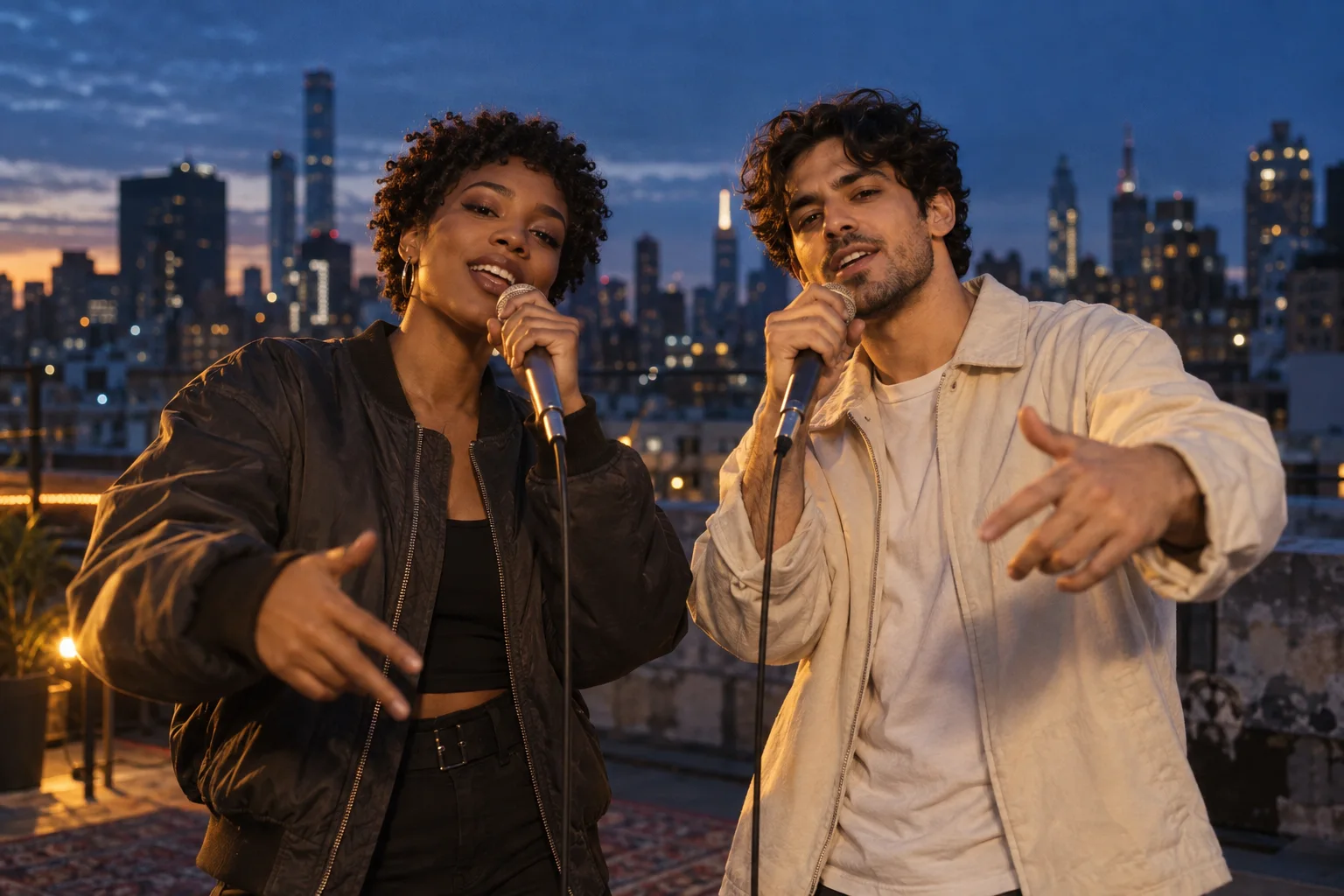
Give your duo a rooftop moment, a studio session, or a spotlight performance.
Each scene adds performance direction. Your uploaded photos and chosen video settings stay in place.
Original concept image. Generated videos will vary.
Use a clear photo of each adult, with their permission. Preview the left and right positions before generating.
Pick a scene, then refine the prompt. Start with a short vertical clip and requested original audio.
Sign in, check the credit estimate and submit. Review the finished result before sharing.
Give the birthday duo a playful entrance for a greeting or party screen.
Turn a pair of everyday portraits into a group-chat moment or social post.
Explore a visual direction for an original artist teaser. Review rights and the final result before publishing.
This AI rapper tool creates a short performance video from photos and a scene prompt. It is different from a rap lyrics writer or a dedicated voice generator. For a longer music video, build separate shots and edit them together with audio you have rights to use.
Use one adult per photo, an unobstructed face and even lighting. Similar framing helps the duo feel balanced. Avoid cropped heads, heavy filters and busy backgrounds.
Upload two authorized adult portraits, choose a scene and review your settings. Preview the photo layout for free, then sign in and use credits to request a generated video.
The photo layout preview is free. AI video generation uses credits. The generator shows the current estimate for your model and settings; see pricing for available plans.
The starting preset requests original beat and rap-style audio, with audio enabled. Availability and the result depend on the selected model. Vocals, beat and timing can vary, and you can turn audio off.
This page does not offer a dedicated voice-cloning or exact lyric synchronization workflow. Describe an original short performance rather than requesting an existing song or an imitation of a specific artist’s voice.
Photos guide identity and starting positions, but facial detail, movement and placement can change during generation. Clear portraits improve the input; review every result before sharing.
Start with individual short clips, then assemble them in an editor. This page defaults to a 10-second vertical clip and also offers 5 seconds and a landscape frame.