
Photo to performance
Migos AI Video Generator
Two photos. Your own performance duo. Create a Migos AI video with an editable orange-studio scene.
Create a video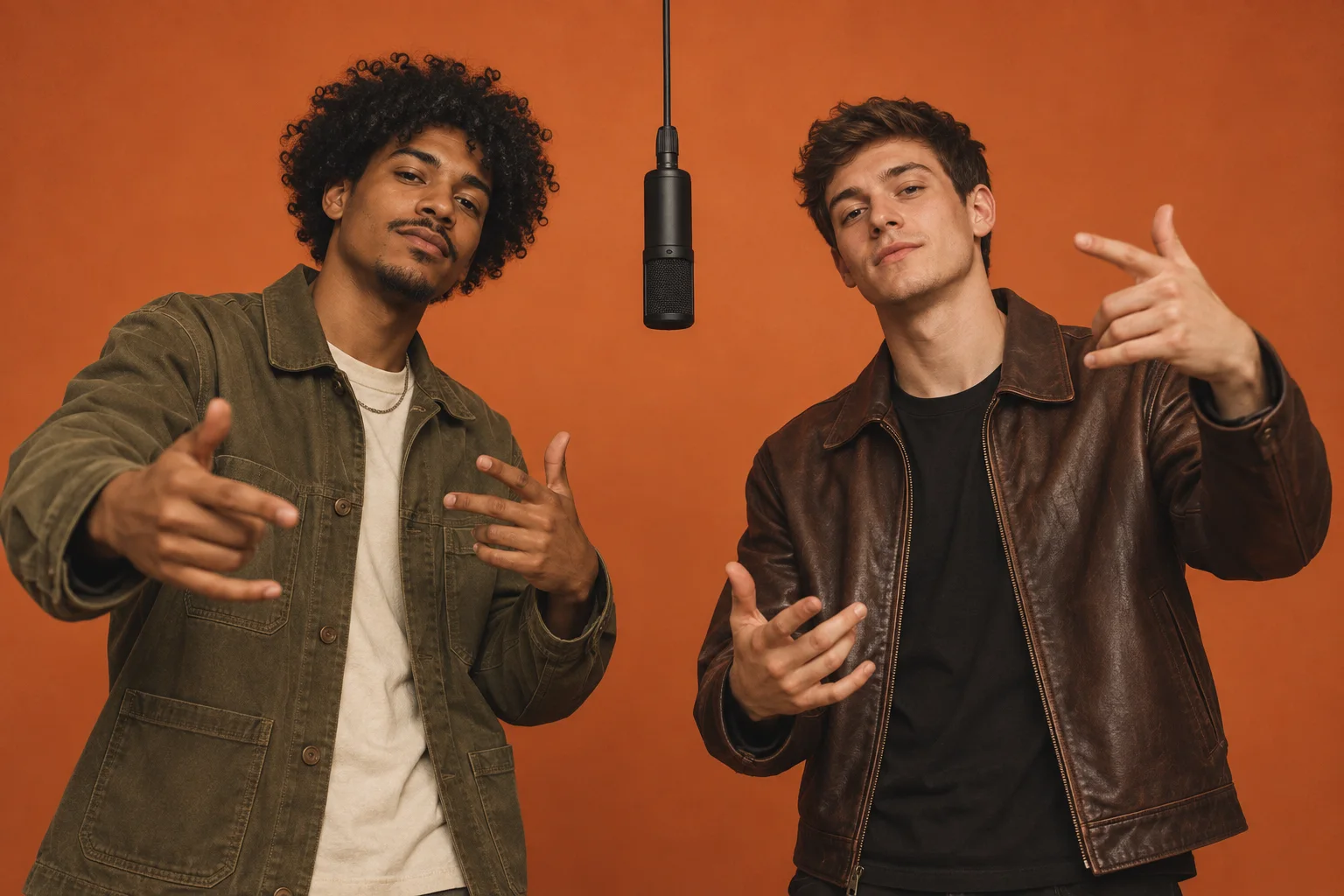
- Reference photos
- 2 separate portraits
- Starting length
- 5 seconds, editable
- Starting format
- 9:16 vertical
Cast your duo
Sign in to add two reference photos, then review the prompt and credit cost.
Travaillez l’accroche. Planifiez les scènes. Générez le reel.
One clear face per photo. JPG, PNG or WebP, up to 10 MB.Photos stay on this device until you generate.
Free photo layout preview. Creating a video requires sign-in and credits.
Advanced · scene direction
Your scene is ready. Edit only if you want to change the performance.
Checking availability…
What is a Migos AI video?
A Migos AI video reimagines the two-person orange-studio performance associated with the Hotel Lobby trend. The appeal is the pairing: familiar faces, contrasting characters and a back-and-forth exchange. Here, you can direct an original version with two photo references, a fixed camera and simple alternating gestures.
Three ways to direct your Migos AI video
Choose a direction to explore. These are concept stills, not video outputs.
Read the full prompt
Create an original duet performance on a minimal burnt-orange studio stage. Use reference image 1 for the person on the left and reference image 2 for the person on the right. Preserve their distinct facial features, outfits and positions. Both are visible from the waist up, with space for their hands. The left performer makes a short rhythmic gesture while the right smiles and nods; then they switch roles. A fixed camera, soft front lighting, restrained natural movement and an upbeat mood. No cuts, text, logos, additional people or imitations of a specific recorded performance. One friend leads, the other reacts. Start with a small gesture and a nod, then swap roles for a natural exchange.
How to make a Migos AI video
- 1
Prepare the cast
Choose clear reference images you own or have permission to use. Distinct clothes and unobstructed faces help tell the two roles apart.
- 2
Set the performance
Sign in and add both photos as reference images in the panel above. Describe the left and right roles and customize the performance prompt. Reference images are different from opening and ending frames.
- 3
Generate a short take
Start with the preset 5-second vertical clip. Review the credit quote before generating, check the result, and download it. Change one detail at a time if you want another take.
Give each face a clear reference
- One person in each photo, with an unobstructed face.
- Even light and a waist-up view help show face and clothing.
- Use different outfits and a clear left/right assignment.
- Upload images you own or have permission to animate.
A short take, with room to make it yours
Start with a simple 5-second clip, then adjust the model, duration and framing in the generator. A 9:16 frame works for Reels, TikTok and Shorts; a wider frame gives two performers more space.
See the cost before you create
The prompt and guide are free. Generation uses credits based on your model, duration and inputs. Check the live quote before confirming. Each new take uses credits.
View plansMigos AI video questions
What can I make with Migos AI?
Use this page to start an original two-person performance video from your reference photos. The supplied prompt sets up alternating gestures and reactions; you control the cast, stage and mood in the generator.
How is this different from Hotel Lobby AI?
This page focuses on choosing a duo and directing their interaction in a custom scene. The Hotel Lobby AI page provides a more specific orange-studio prompt with a suspended microphone. Both use the same video generator.
Can I use two photos of the same person?
Yes, you can provide two reference photos and describe a different role for each. Different outfits make the roles easier to distinguish. Identity consistency varies with the images and generated result.
Is Migos AI video generation free?
The prompt is free to read and use. Generating a video requires account credits, with the cost shown before confirmation. Changing the duration, model or reference inputs may change the quote.
Will the video rap the original song?
The preset creates visual gestures and starts with audio disabled. It does not include the original music, cloned voices or verified lyric synchronization. You can add music you are licensed to use after export.
Your cast. Your first take.
Keep the scene simple, review your settings, and make a clip of your own.
Create a videoAI results vary. This workflow does not supply the original song, recorded performance, or guaranteed face and lip-sync accuracy.
Find your next two-photo idea
Choose the kind of moment you want to make. Each page has its own starting direction, with the same two-photo workflow.
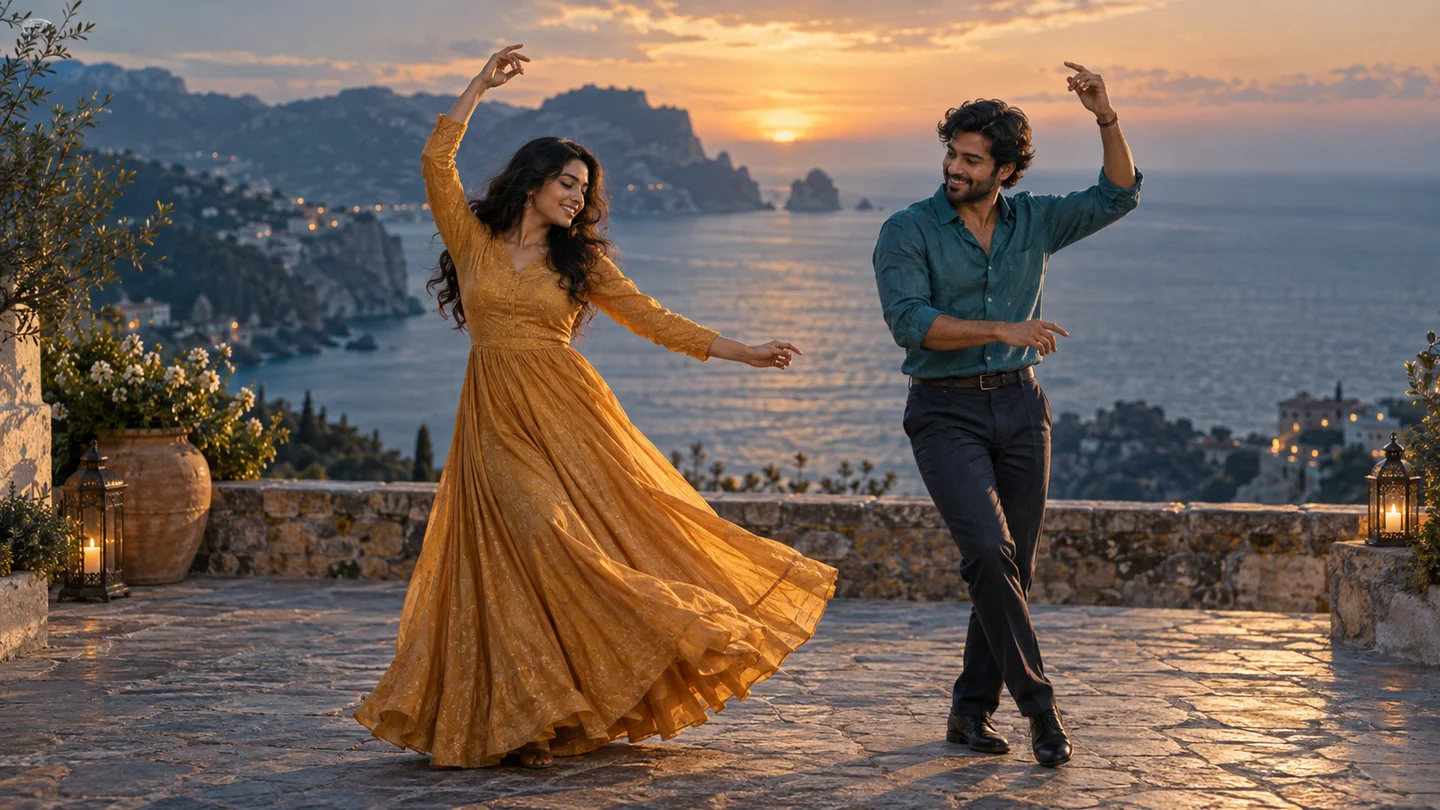
Chuttamalle dance
An original coastal dance scene for two.
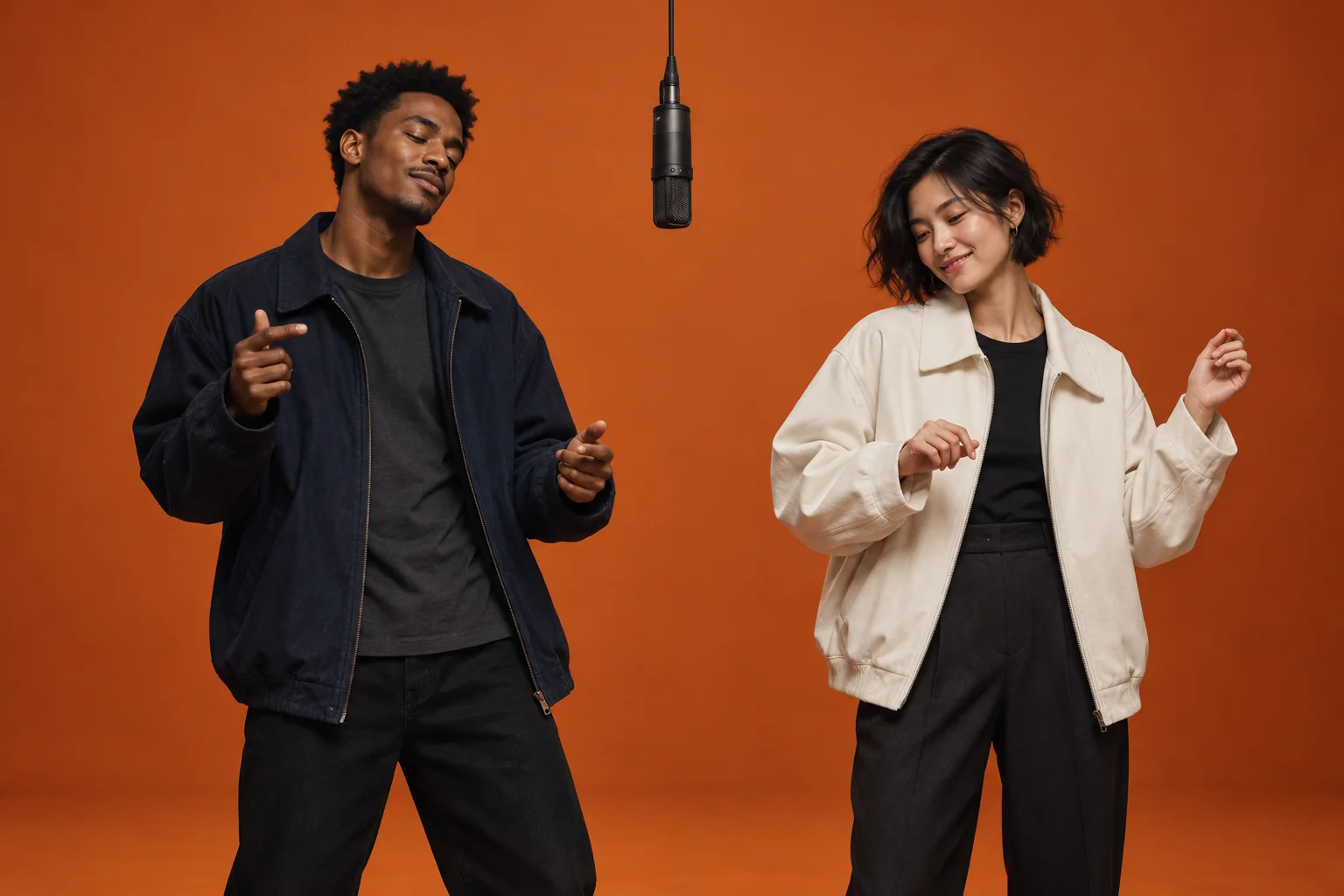
Hotel Lobby AI
Start with the warm orange studio look.
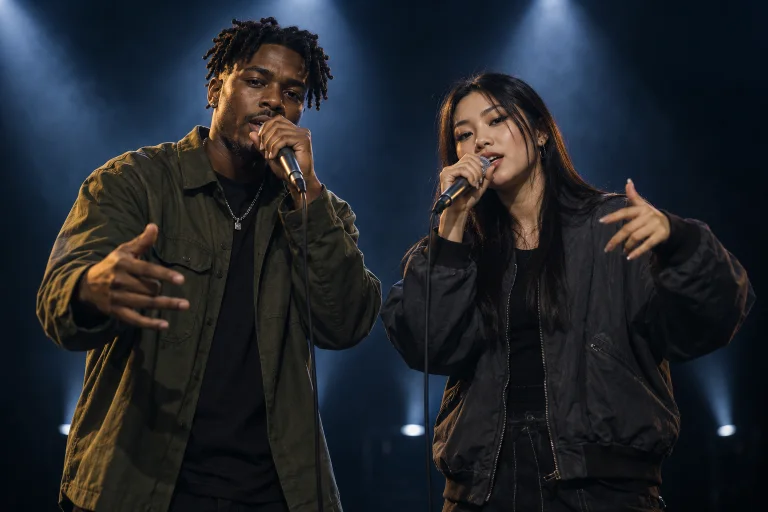
AI Rap Duo
Choose a duet format and add your own topic.
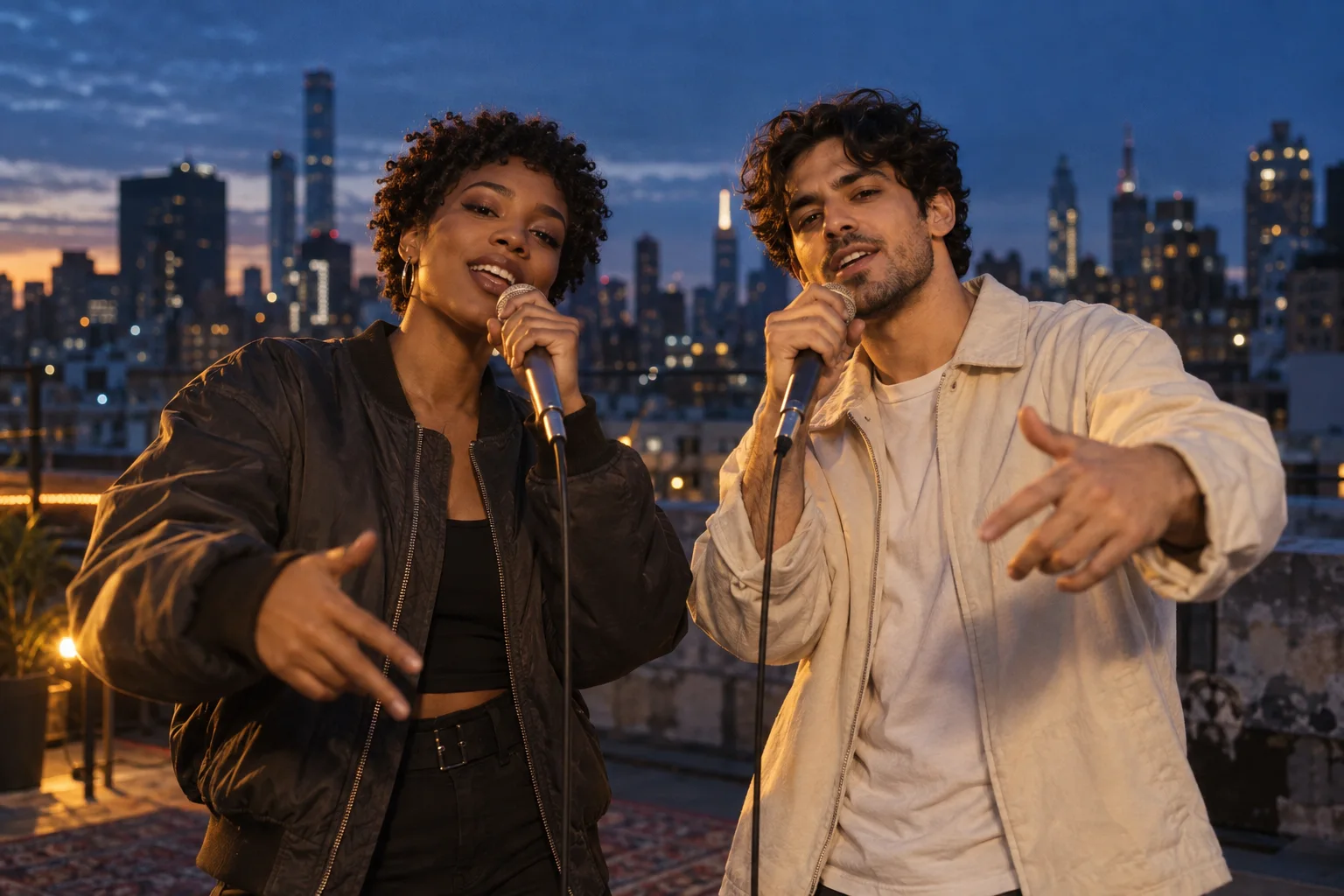
AI Rapper
Explore rooftop, studio and spotlight scenes.
Images are creative concepts. Previewing the photo layout is free; generated videos use credits.