
Start With the Script Beat
Pick one line from the hook, explanation, proof point, or CTA before writing a scene prompt.
Faceless reels scenes are the visual beats that turn a hook and script into a watchable short-form video. Plan them before generation so every clip has a clear job.
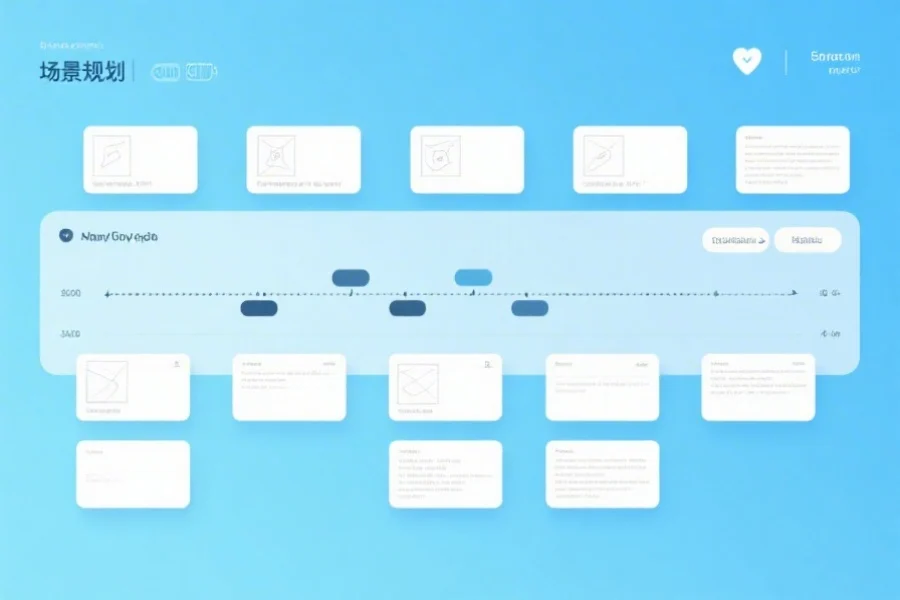
Scene Workflow
Use one visual job per script beat so the generated video does not drift into generic filler.
Pick one line from the hook, explanation, proof point, or CTA before writing a scene prompt.
Decide whether the scene should explain, contrast, demonstrate, build curiosity, or close the loop.
Describe subject, camera movement, lighting, background, and caption room in the prompt.
Save strong scene patterns so the next reel in the same niche starts faster.
Build a small scene library instead of improvising every visual from scratch.
Show the pain point in a concrete setting before offering the framework.
Turn a step, checklist, or workflow into a visual sequence the viewer can follow.
Make before/after, old/new, or mistake/fix differences obvious on screen.
Show a dashboard, example, template, or visible outcome without inventing fake numbers.
Bridge two ideas with motion so the reel keeps momentum.
End with one action that matches the promise of the reel.
Direct answers about planning visual beats for AI-generated faceless reels.
Faceless reels scenes are short visual beats that support each part of the script without requiring the creator to appear on camera.
Most short faceless reels work well with 3 to 6 scenes: hook, context, 1 to 3 value beats, and a CTA.
No. Planning scenes first reduces wasted generations and makes the output easier to edit into a coherent reel.
Use the AI video studio after your hook, scene list, and CTA are clear.