
GENJUTSU AI / MOTION & DANCE
Genjutsu AI. Give your ideas motion.
Explore the motion-transfer trend. Bring a character photo, add a reference clip, and direct your own dance or performance video with our Seedance-powered creator.
Made with Seedance on this page. Independent of Higgsfield Genjutsu.
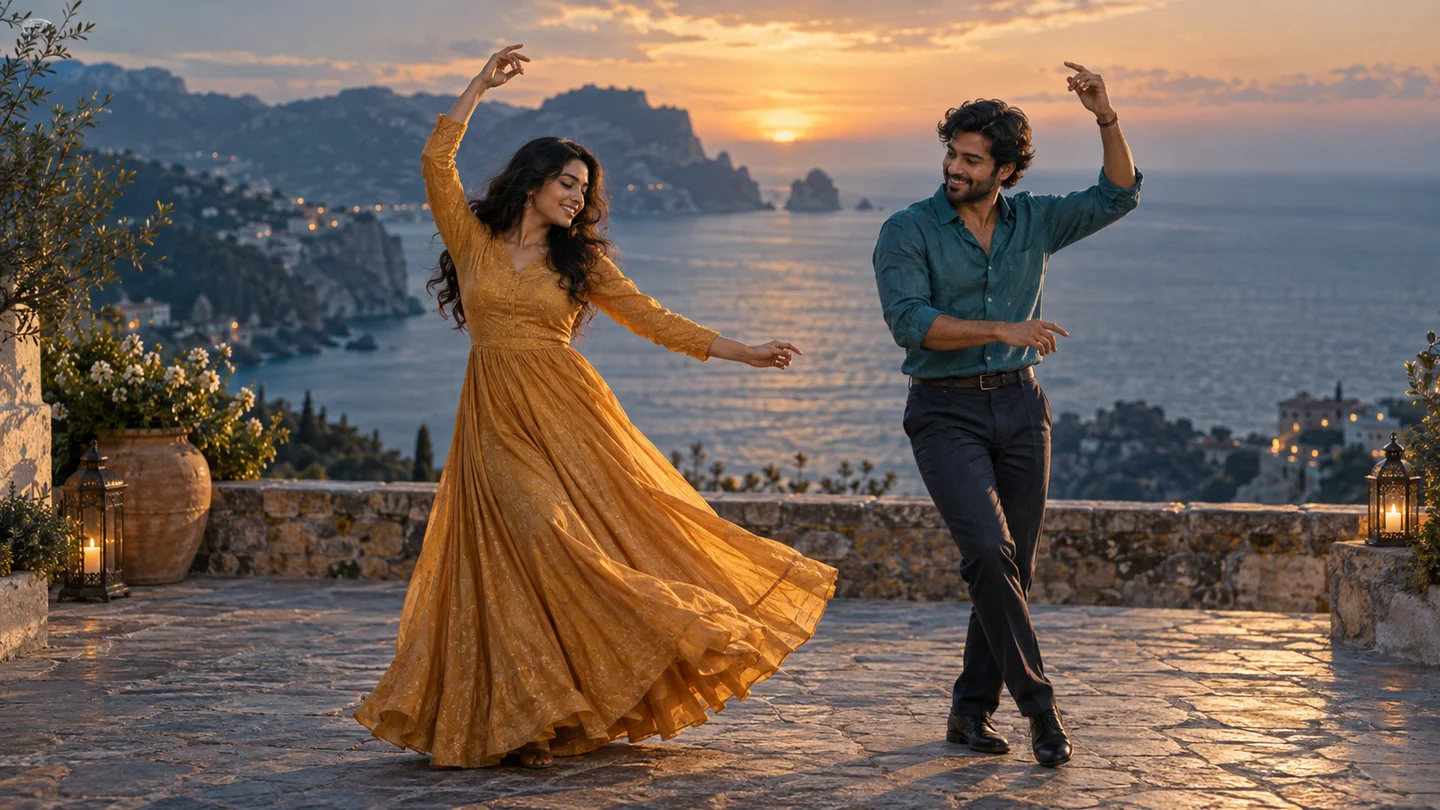
Choose a starting point. Make it yours.
These are editable prompt starters. Applying one changes only the prompt, so your uploaded references and settings stay in place.
Powered by Seedance 2.0 Mini by default
Your motion video starts here
Add character images and an optional motion-reference video. The prompt tells the model what to borrow and what to change.
Prompt direction: Solo dance
후크를 다듬고, 장면을 계획하고, 릴스를 생성하세요.
Sign in to upload and generate. Generation uses credits; review the live cost before starting. Adding a video reference can increase the cost.
References guide a new generation. Exact choreography, frame timing, faces and object replacement are not guaranteed.
View plans & creditsWhat is Genjutsu AI?
Higgsfield Genjutsu transforms existing footage through Motion Transfer and Object Swap. Motion Transfer uses a source performance to guide a new character or scene; Object Swap targets selected elements in the original shot. Dance videos are one use case, alongside character performances and scene changes.
Here, you can explore a reference-led video workflow with the existing FacelessReels generator. It uses Seedance by default, not the official Genjutsu model. For the official Motion Transfer or Object Swap workflow, see Higgsfield’s documentation.
Read the official Genjutsu overviewHow to make a Genjutsu-style dance video
- 01
Choose a clear character image
Use a well-lit photo with the body visible. For a duet, add a separate image for each person and describe who stands on each side.
- 02
Add a motion reference
For the motion-reference workflow, upload a short, unobstructed performance clip you have permission to use. A steady camera and one clear action make a better starting point. You can also generate from images and a prompt alone.
- 03
Direct the scene, then generate
Apply a prompt starter, describe the scene and movements, choose duration and framing, and review the credit cost. Generate, inspect the result, then adjust one detail at a time.
Genjutsu AI questions, answered
Is this the official Higgsfield Genjutsu generator?
No. This is an independent FacelessReels guide and video creator. The embedded generator uses our existing video models, with Seedance 2.0 Mini selected by default.
Do I need a reference video?
Use a reference video when you want an existing performance to guide the motion. Without one, you can still create an original dance from character images and a text prompt.
Can it copy a dance exactly?
The generator uses references as guidance, not a frame-by-frame editing contract. Motion, identity, timing and composition may differ. Review the output before sharing it.
Is Genjutsu AI video creation free here?
Reading the guide and editing a prompt are free. Uploading requires sign-in, and generating a video uses credits. The creator shows the cost for your selected model, settings and references before generation.
Can I make a two-person dance?
Yes, you can provide character reference images and describe a duet. Keep the people visually distinct and separated in the frame. More complex or overlapping movements can be harder to reproduce consistently.
Will it include the reference song?
Do not assume the original song will be copied. Audio behavior depends on the selected model and settings. Use music you have permission to publish, and review the generated audio separately.